
Do I need special equipment for video telephony?
For basic individual use, you don't need special equipment for video telephony. A computer with a built-in webcam, microphone, and internet connection works fine. For hybrid teams' meetings, professional conference rooms benefit from dedicated HD cameras, microphone arrays, and displays, with costs ranging from $1,000–$4,000 for small setups to $3,000–$10,000 for larger professional systems.
Understanding Video Telephony Equipment Evolution
Video telephony equipment has transformed dramatically since the technology's commercial introduction. Early video telephony systems required dedicated ISDN lines and proprietary room-based equipment costing tens of thousands of dollars. As of 2025, the video conferencing equipment market reached $4.15 billion and is projected to grow at a 13.30% annual rate through 2031, reflecting widespread adoption of more accessible technology.
The shift from specialized telecommunications hardware to consumer-friendly devices democratized video telephony. What once demanded expensive telepresence systems—some costing up to $100,000—now operates effectively on standard laptops and smartphones. According to industry research, 40% of enterprises plan conference room upgrades by 2025, indicating continued investment in quality video telephony infrastructure despite the availability of basic solutions.
Basic Equipment Requirements for Individual Video Telephony
For personal or individual video telephony participation, you need four core components:
1. Computer or Mobile Device
Any modern laptop, desktop computer, tablet, or smartphone with sufficient processing power to run video conferencing software. Devices from the past 5 years typically meet minimum requirements.
2. Camera/Webcam
Built-in laptop cameras provide 720p resolution suitable for basic video telephony. External USB webcams offering 1080p resolution ($50-$200) deliver improved image quality for professional appearances.
3. Microphone
Built-in device microphones work for casual use, but dedicated USB microphones or headsets with integrated microphones ($30-$150) significantly improve audio clarity and reduce background noise.
4. Internet Connection
Acceptable video telephony quality requires 5 Mbps download and 3 Mbps upload bandwidth minimum. Higher quality video telephony sessions demand more—1080p video consumes 2.5-3 Mbps per stream.
Optional but Recommended
Headphones or earbuds prevent audio feedback and echo, particularly important in environments without acoustic treatment.
Professional Conference Room Video Telephony Equipment
Organizations conducting regular video telephony in conference rooms require more sophisticated equipment. Professional setups cost between $1,000 to $4,000 for simple solutions and $3,000 to $10,000 for larger-scale setups, according to industry budget analyses.
Essential Conference Room Components
High-Definition Cameras
Professional conference cameras with wide-angle lenses (120-360 degrees field of view) capture all participants. Modern systems feature AI-powered speaker tracking, automatic framing, and 4K resolution.
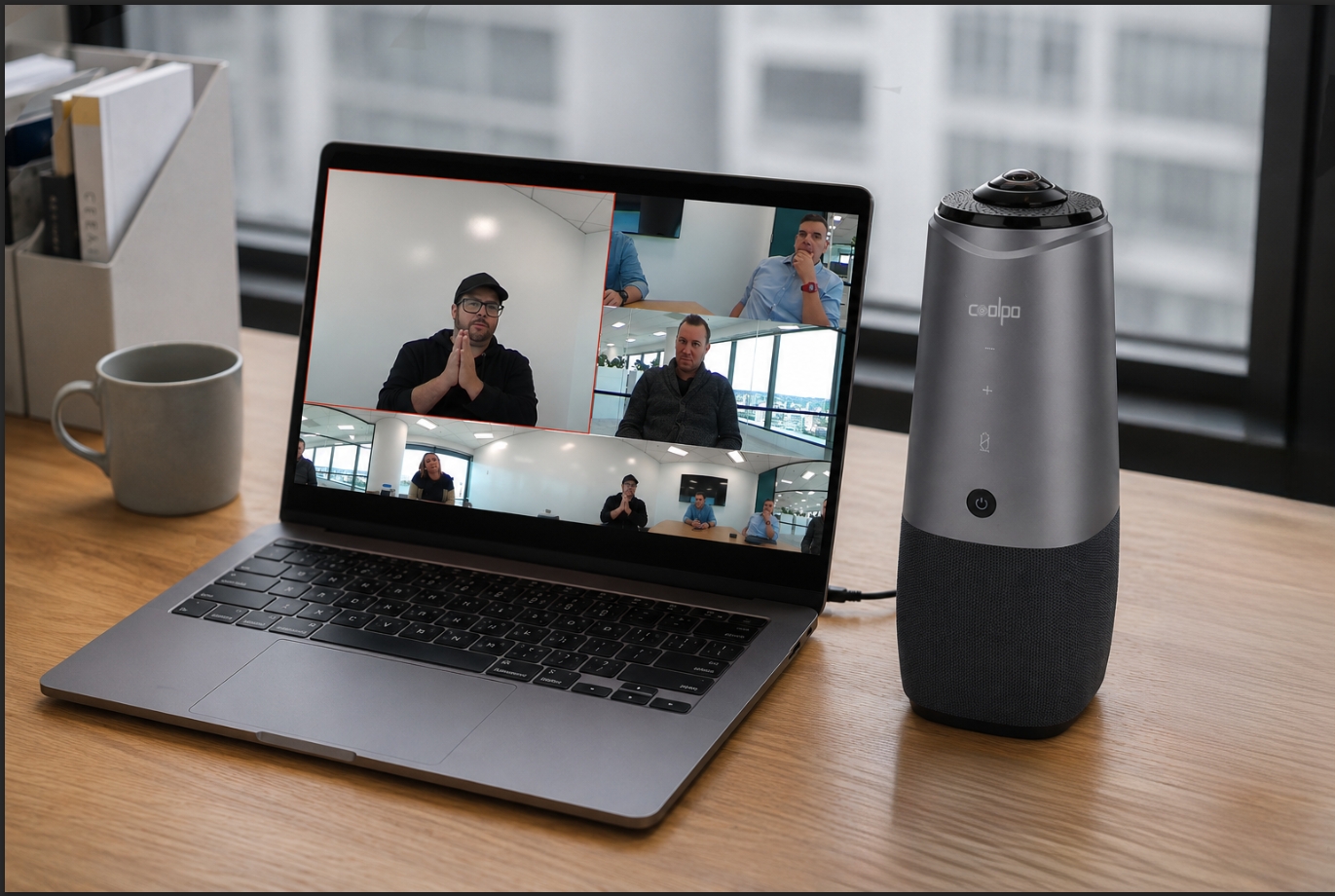
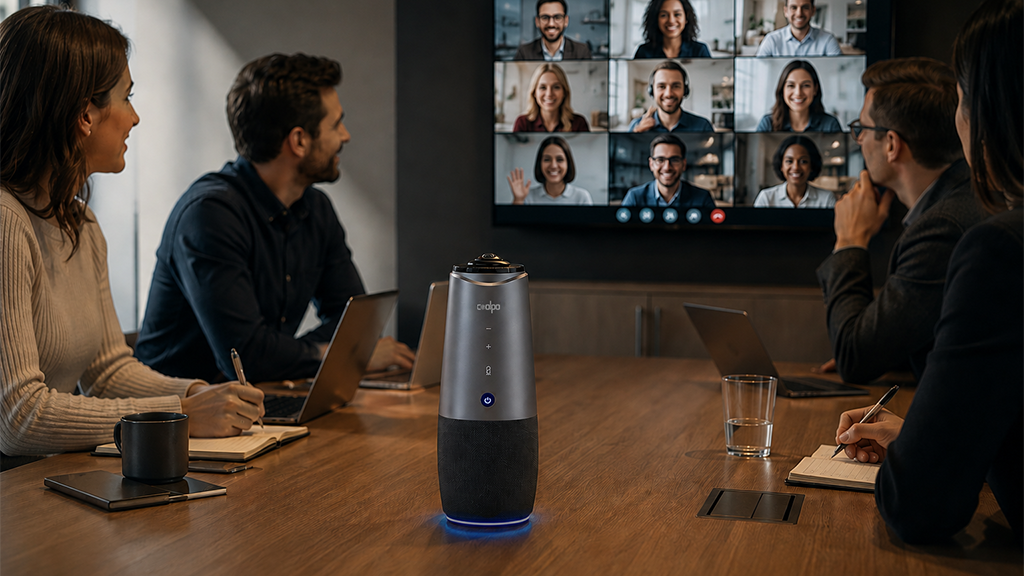
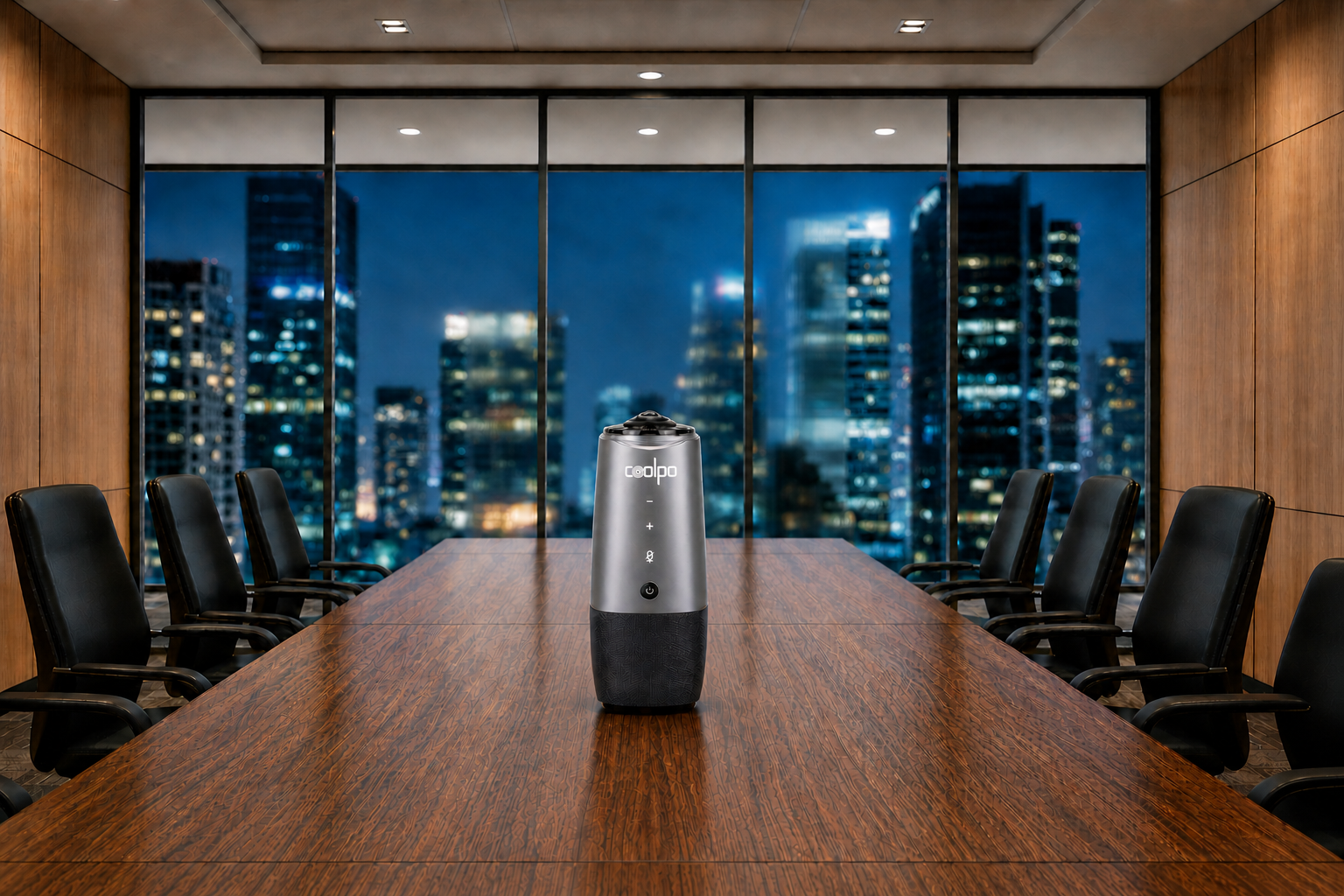
Equipment like the Coolpo AI Pana—featuring 4K resolution, 360-degree video and audio coverage, and plug-and-play USB connectivity—exemplifies how modern conference cameras integrate multiple technologies into accessible solutions, typically priced at $598.98.
Microphone Arrays
Professional microphone systems with multiple elements provide omnidirectional audio capture with 12-15 foot pickup ranges. Advanced systems incorporate noise cancellation and echo suppression, essential for clear communication in larger spaces.
Display Systems
Conference room displays range from basic monitors ($300-$800) to interactive collaboration boards ($2,700-$10,000+). Larger rooms may require multiple displays or projection systems for visibility.
Audio Output
External speakers or integrated sound bars ensure all participants hear clearly. Professional systems include acoustic echo cancellation to prevent feedback loops between microphones and speakers.
Computing Hardware
Conference room PCs, dedicated video conferencing appliances, or all-in-one systems that integrate camera, microphone, and speakers. All-in-one video bars ($899-$1,299) simplify installation and reduce cable complexity.
Do You Need Specialized Video Telephony Equipment?
The answer depends on your use case:
Individual users
can participate effectively in video telephony using existing devices—laptops with built-in cameras and microphones work adequately for casual meetings. Investing $100-$300 in an external webcam and USB headset provides professional-quality individual video telephony.
Small teams
(2-4 people) benefit from basic conference equipment: a wide-angle USB camera ($150-$300) and a speakerphone with microphone array ($100-$250) transform any space into a functional video telephony environment.
Conference rooms
(5+ participants) require professional equipment for acceptable video telephony quality. Inadequate equipment creates frustration—distant participants can't see or hear properly, defeating video telephony's purpose.
Enterprise telepresence
Demands the highest-quality equipment with integration into existing telecommunications infrastructure, managed Quality of Service, and professional installation.
Hidden Costs in Video Telephony Equipment
Beyond initial hardware purchases, consider these additional expenses:
- Software Licensing: Enterprise video telephony platforms charge per user ($10-$30/month) or per room ($500-$3,000 annually) for advanced features, cloud recording, and support.
- Installation and Setup: Professional installation services add $500-$2,000 depending on room complexity, cable runs, and integration requirements.
- Internet Bandwidth Upgrades: Organizations may need higher-speed business internet plans to support multiple simultaneous video telephony sessions.
- Maintenance and Support: Annual support contracts (10-15% of equipment cost) ensure firmware updates, technical support, and warranty coverage.
- Training: Employee training on video telephony systems, while often overlooked, improves adoption and reduces support calls.
- Future Upgrades: Technology evolution requires periodic equipment refreshes—budget 20-30% of original investment every 3-5 years for upgrades.
Making Equipment Decisions for Video Telephony
Start with your primary use case. Individual contributors working from home need minimal investment—improving audio quality with a decent headset provides better results than expensive cameras. Conference rooms require upfront investment but serve multiple people across hundreds of meetings annually, justifying higher per-unit costs.
Consider room size and participant count. A 4-person huddle space needs different equipment than a 20-person boardroom. Match camera field-of-view and microphone pickup range to actual room dimensions.
Evaluate existing infrastructure. Organizations with modern displays and ethernet connectivity reduce additional equipment needs. Older facilities may require comprehensive upgrades.
Platform compatibility matters for enterprises standardizing on specific video conferencing services. Zoom Rooms, Microsoft Teams Rooms, and Google Meet hardware kits ensure seamless integration with minimal configuration.
Common Questions About Video Telephony Equipment
1. Can I use my smartphone for video telephony?
Yes, modern smartphones provide complete video telephony capabilities with built-in cameras, microphones, speakers, and mobile apps. Smartphones work well for individual mobile video telephony but aren't suitable for conference room deployments.
2. Is expensive equipment necessary for good video telephony?
Not for individual use. A $100 external webcam and $50 headset significantly improve video telephony quality over built-in laptop components. Conference rooms require larger investments, but "expensive" depends on scale—a $2,000 conference room setup serves dozens of people over years.
3. What's the minimum internet speed for video telephony?
For acceptable quality, 5 Mbps download and 3 Mbps upload handles standard definition video telephony. HD video telephony requires 1.5-3 Mbps per participant. Enterprise video telephony systems specify dedicated bandwidth with Quality of Service guarantees.
4. Do I need different equipment for different video telephony platforms?
No, standard cameras and microphones work across platforms. However, some enterprise systems certify specific hardware for Zoom Rooms, Microsoft Teams Rooms, or Cisco Webex, ensuring optimized performance and simplified setup.
5. How long does video telephony equipment last?
Consumer webcams and microphones typically function for 3-5 years. Professional conference room equipment lasts 5-7 years with proper maintenance. Technology advances may prompt upgrades before hardware failure—4K cameras replaced 1080p systems, and AI-powered features drive current upgrade cycles.
Summary
Special equipment requirements for video telephony depend entirely on use case and quality expectations. Individual users need only basic computers with built-in cameras and microphones for casual video telephony, though modest investments ($100-$300) in external webcams and headsets dramatically improve professional appearance and audio quality. Conference rooms require dedicated equipment ranging from $1,000-$4,000 for small spaces to $3,000-$10,000 for larger professional installations, with the video conferencing equipment market reaching $4.15 billion in 2024 as organizations invest in quality solutions. While early video telephony systems demanded expensive specialized hardware and dedicated telecommunications lines, modern internet-based platforms operate effectively on consumer devices. The key decision factor is matching equipment investment to usage frequency and participant count—a $2,000 conference room system serving hundreds of meetings annually provides substantially better value than inadequate free solutions that frustrate participants. With 40% of enterprises planning room upgrades by 2025, quality video telephony infrastructure represents strategic investment in communication effectiveness rather than discretionary technology expense.
Recent blogs

What Device and Camera Features Can Enhance Camera Performance on Laptops?


.png)
Reliable
Innovation
Touch


