
What Equipment Do I Actually Needed for Hybrid Zoom Meetings?
Hybrid Zoom meetings are now standard, but most organizations get the equipment wrong—either over-investing in expensive systems they don't need, or under-investing by relying on laptop webcams that leave remote participants feeling excluded. According to Microsoft's 2024 Work Trend Index, 43% of remote participants report feeling invisible due to poor equipment. The good news? You don't need a $20,000 setup. The right equipment for hybrid Zoom meetings costs $600-$1,200 and focuses on three fundamentals: everyone visible, everyone audible, everyone included.
TL;DR
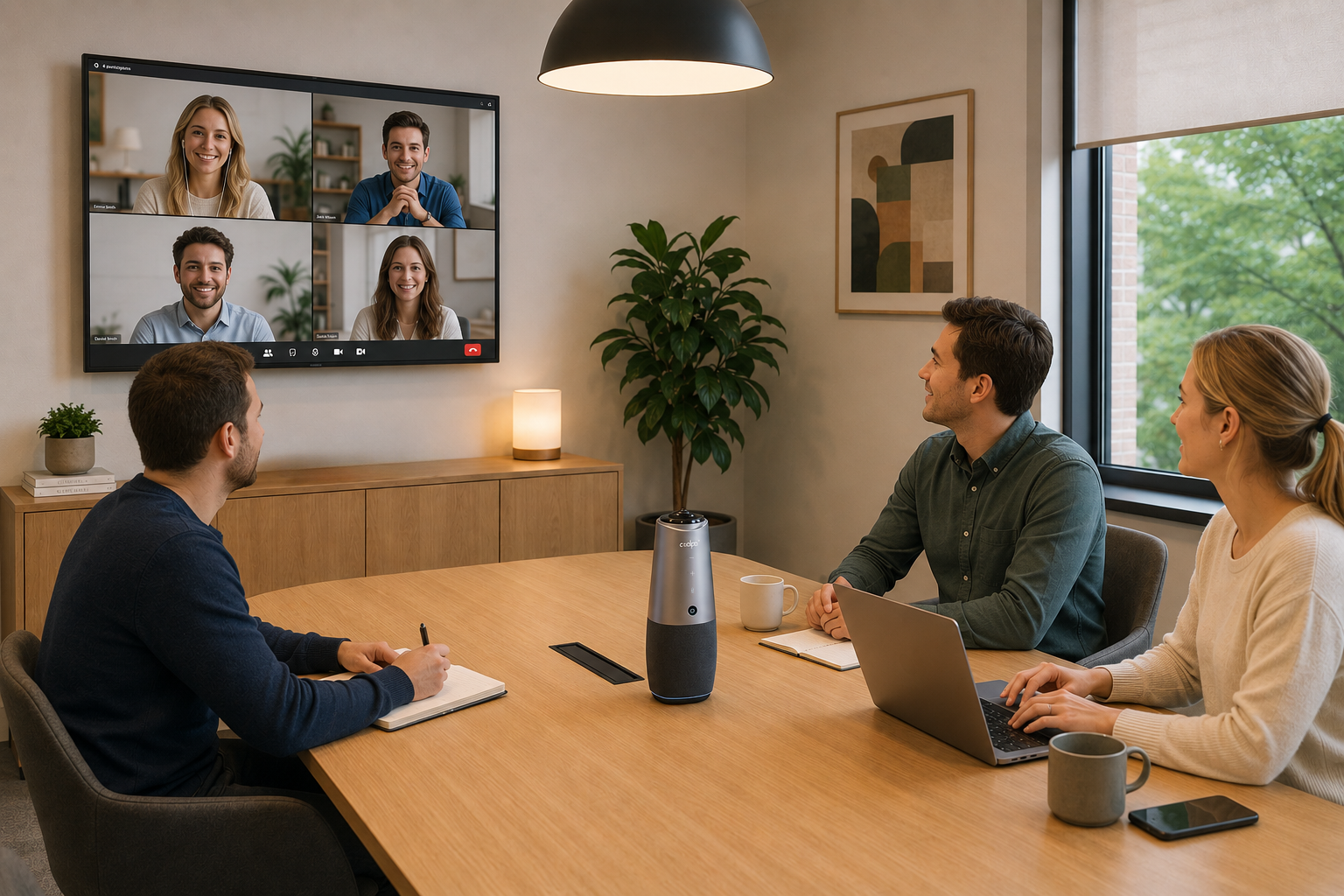
For equipment needed for hybrid Zoom meetings, you actually need just three core pieces: a camera that captures all in-room participants clearly, a microphone system that picks up voices from every seat, and a display screen visible to everyone in the room. With this, the Coolpo AI Pana is the perfect equipment needed for hybrid zoom meetings as it has 360 degree video and audio coverage with its panoramic camera, 8 smart microphones and 360 degree speakers. Partner it with a display screen and all is set for your hybrid metings.
Why Hybrid Meeting Equipment Matters
Hybrid Zoom meetings have become the default for modern teams, but poor equipment creates a two-tier meeting experience where in-room participants dominate while remote attendees struggle to see faces and hear voices clearly.
The challenge? Most organizations either over-complicate hybrid setups with expensive systems, or under-invest by relying on laptop webcams and built-in microphones. According to Zoom's research, meetings with proper camera coverage see 35% higher engagement from remote participants compared to laptop webcam setups—proving that equipment quality directly impacts meeting effectiveness.
The good news: you don't need a $20,000 telepresence system. The right equipment for hybrid Zoom meetings costs $600-$2,000 for small teams and focuses on three fundamentals: everyone visible, everyone audible, everyone included.
The 3 Essential Equipment Categories
Here are the essential equipment needed for hybrid Zoom meetings:
1. Camera: Everyone Must Be Visible
This is non-negotiable. Remote participants need to see all in-room attendees clearly, not just whoever's closest to a laptop webcam.
What you actually need:
- Field of view: 360° to capture the full room
- Resolution: Minimum 1080p, 4K preferred for larger spaces
- Audio features: 8 smart microphones with 360° voice pick-up and full duplex speakers
- Auto-framing: AI that tracks speakers and adjusts shots automatically
- Placement flexibility: Plug-and-play, easy positioning without wall mounting
Best option: Coolpo AI Pana ($598.98)
A 360° vide onference camera that eliminates blind spots entirely. It has 4K resolution that maintains clarity even in large rooms. An AI speaker tracking automatically spotlight's active speakers annd auto-framing. It is also plug-and-play so it can sits at table center—no mounting or installation Most importantly, works instantly with any meeting platform..
2. Audio: Everyone Must Be Audible
Poor audio kills hybrid meetings faster than poor video. Remote participants will tolerate grainy video but won't stay engaged if they can't hear clearly.
What you actually need:
- Microphone pickup range: Covers distance to furthest seat (typically 10-20 feet)
- Echo cancellation: Prevents feedback and audio loops
- Noise suppression: Reduces HVAC, keyboard typing, paper shuffling Speaker output: Clear playback so in-room attendees hear remote participants
All-in-one solution:
Using laptop microphones and speakers for rooms with 4+ people. The person sitting 10 feet away sounds distant and muffled to remote participants. The Coolpo AI Pana includes 8 beamforming microphones with 15-foot pickup radius, built-in echo cancellation, and 360° speakers—no separate audio equipment needed.
3. Display: Everyone Must See Remote Participants
In-room attendees need to see remote participants clearly, making them feel present rather than invisible voices.
What you actually need:
Size appropriate to room: Minimum 40" for small rooms, 55-75" for medium/large
Placement: Positioned where all in-room attendees can see without turning away from camera
Resolution: 1080p minimum, 4K for large displays
Display options:
TV/Monitor ($300-$1,500): Simple, effective for most rooms
Interactive displays ($2,000-$10,000): Adds whiteboard functionality
Projector systems ($500-$3,000): Better for very large rooms
Pro tip:
Position display near the camera so in-room attendees look toward remote participants when speaking, creating better eye contact.
Nice-to-Have Equipment (Not Essential)
These improve the experience but aren't required for functional hybrid Zoom meetings:
Wireless presentation system ($300-$1,000):
- Eliminates HDMI cable hunting
- Allows easy screen sharing from any device
- Best for: Presentation-heavy meetings
Room scheduling display ($200-$500):
- Shows availability on door-mounted screen
- Prevents double-booking
- Best for: Multi-room offices
Smart lighting ($100-$500):
- Adjusts brightness for video quality
- Reduces harsh shadows
- Best for: Rooms with poor natural light
Room PC ($400-$1,000):
Dedicated Zoom Rooms computer
Simplifies start-meeting process
Best for: Heavy daily meeting use
Common Equipment Mistakes
Mistake 1: Using laptop webcam for group meetings
A laptop 6 feet away can't capture participants at the far end of the table. Remote attendees see 2 people clearly and hear muffled voices from others.
Mistake 2: No dedicated speaker/microphone
Laptop speakers and mics work for 1-2 people max. Beyond that, in-room participants struggle to hear remote attendees, and remote participants hear echo and poor audio quality.
Mistake 3: Display too small or poorly positioned
A 24" monitor for 8 people means remote participants are tiny and forgettable. Minimum 40" display positioned where everyone can see it.
Mistake 4: Buying too much too soon
Many organizations invest in expensive Zoom Rooms systems before understanding their actual needs. Start with the essentials, then add enhancements based on real usage.
Frequently Asked Questions
1. Can I use my laptop for hybrid Zoom meetings instead of buying equipment?
For 1-2 people, yes. For 3+ people, no—laptop webcams can't capture everyone, laptop mics don't pick up voices beyond 3-4 feet clearly, and laptop speakers make remote participants hard to hear. At 3+ in-room attendees, dedicated equipment becomes essential.
2. What's the minimum budget for proper hybrid meeting equipment?
$600-$1,200 covers the essentials: Coolpo AI Pana camera with built-in audio ($598.98) plus a 40-50" display ($300-$600). This setup handles 3-8 people professionally. Anything less compromises the remote participant experience significantly.
3. Do I need separate camera and microphone systems?
Not necessarily. All-in-one systems like the Coolpo AI Pana combine 4K camera with 8-mic array and built-in speakers, eliminating the need for separate audio equipment and simplifying setup. Separate systems make sense only for very large rooms (15+ people) requiring ceiling mics.
4. Will this equipment work with platforms besides Zoom?
Yes. USB conference cameras and speakerphones work universally with Zoom, Microsoft Teams, Google Meet, Webex, and any video platform that supports standard USB devices. The Coolpo AI Pana is certified for all major platforms.
5. How do I know if my room needs a 360° camera or a regular wide-angle camera? Use 360° cameras (like Coolpo AI Pana) when participants sit around a table in multiple directions. Use wide-angle directional cameras when everyone sits facing one direction (classroom-style or theater seating). For round-table collaboration, 360° eliminates blind spots entirely.
Summary
For equipment needed for hybrid Zoom meetings, you need three essentials: a camera that captures all in-room participants (360° field of view, 4K resolution), a microphone system that picks up voices from every seat (10-20 foot range with echo cancellation), and a display screen visible to everyone (minimum 40" for small spaces). The Coolpo AI Pana ($598.98) combines professional 360° camera, 8 smart microphones, and built-in speakers in one plug-and-play device, making it the most practical all-in-one solution for teams of 3-15 people. Start with these essentials before investing in wireless presentation systems or smart lighting—those are enhancements, not requirements for functional hybrid meetings.
Recent blogs

What Device and Camera Features Can Enhance Camera Performance on Laptops?


.png)
What should I consider when choosing Smart 360-degree Video Conference Cameras?
Reliable
Innovation
Touch


