
Best Webcam for Zoom Meetings on MacBook for Hybrid Work Setups
The best webcam for Zoom meetings on MacBook needs USB plug-and-play compatibility, superior video quality compared to the built-in FaceTime camera (720p-1080p depending on model), and professional-grade audio that eliminates the need for separate microphones. MacBook users working in hybrid setups require webcams that handle both individual desk calls and small group meetings, work seamlessly with macOS without driver hassles, and deliver reliable performance across Zoom, Teams, and Meet.
Why MacBook's Built-In Camera Falls Short for Zoom
MacBook's built-in FaceTime cameras have improved over the years, but they still lag behind dedicated webcams for professional Zoom meetings. According to Apple's technical specifications, even the latest MacBook Pro models max out at 1080p FaceTime HD cameras, while MacBook Air models still ship with 720p cameras as of 2024.
The bigger issue isn't just resolution—it's positioning and flexibility. The built-in camera sits at screen level, creating unflattering "looking down" angles. You can't adjust the position, angle, or field of view. For hybrid work where you might need to show a small group at your desk or demonstrate something physical, the fixed position becomes a serious limitation.
With hybrid work now standard for 62% of knowledge workers, the best webcam for Zoom meetings needs to handle multiple scenarios: solo calls from your desk, quick collaborations with 2-3 colleagues huddled around your MacBook, and portable setups when working from different locations. A dedicated webcam provides the flexibility MacBook's built-in camera can't deliver.
TL;DR
The best webcam for Zoom meetings on MacBook combines plug-and-play USB-C/USB-A compatibility with macOS, superior 1080p-4K video quality, professional audio (ideally built-in), and flexible positioning. Top picks include the Coolpo AI Pana ($598.98) for groups with 360° coverage and 8-mic array, Logitech Brio 4K ($200) for solo users prioritizing image quality, and Razer Kiyo Pro ($150-200) for low-light performance. All work instantly with MacBook without driver installation and deliver significantly better video quality than built-in FaceTime cameras for professional Zoom meetings.
What Makes a Great Webcam for Zoom on MacBook
The best webcam for Zoom meetings on MacBook must meet specific requirements beyond just video quality:
- Native macOS compatibility: Plug-and-play USB support without driver installation. MacBook users shouldn't need to download software or troubleshoot compatibility issues. The webcam should work instantly when connected.
- USB-C or USB-A with adapter: Modern MacBooks use USB-C/Thunderbolt ports exclusively. The best webcam for Zoom meetings either includes USB-C natively or comes with a quality USB-C adapter that doesn't compromise video bandwidth.
- Superior to built-in camera: 1080p minimum, with 4K preferred for detail and digital zoom capabilities. Better low-light performance than FaceTime camera. Superior autofocus and color accuracy.
- Professional audio (optional but valuable): Built-in microphones that outperform MacBook's internal mics, especially for environments with background noise. Eliminates need for separate audio equipment.
- Flexible positioning: Clip mount for MacBook display, tripod thread for desk placement, or 360° design for group coverage. The ability to position the camera optimally matters more than most users realize.
Top 7 Webcams for Zoom Meetings on MacBook
1.Coolpo AI Pana ($598.98)
Best for:
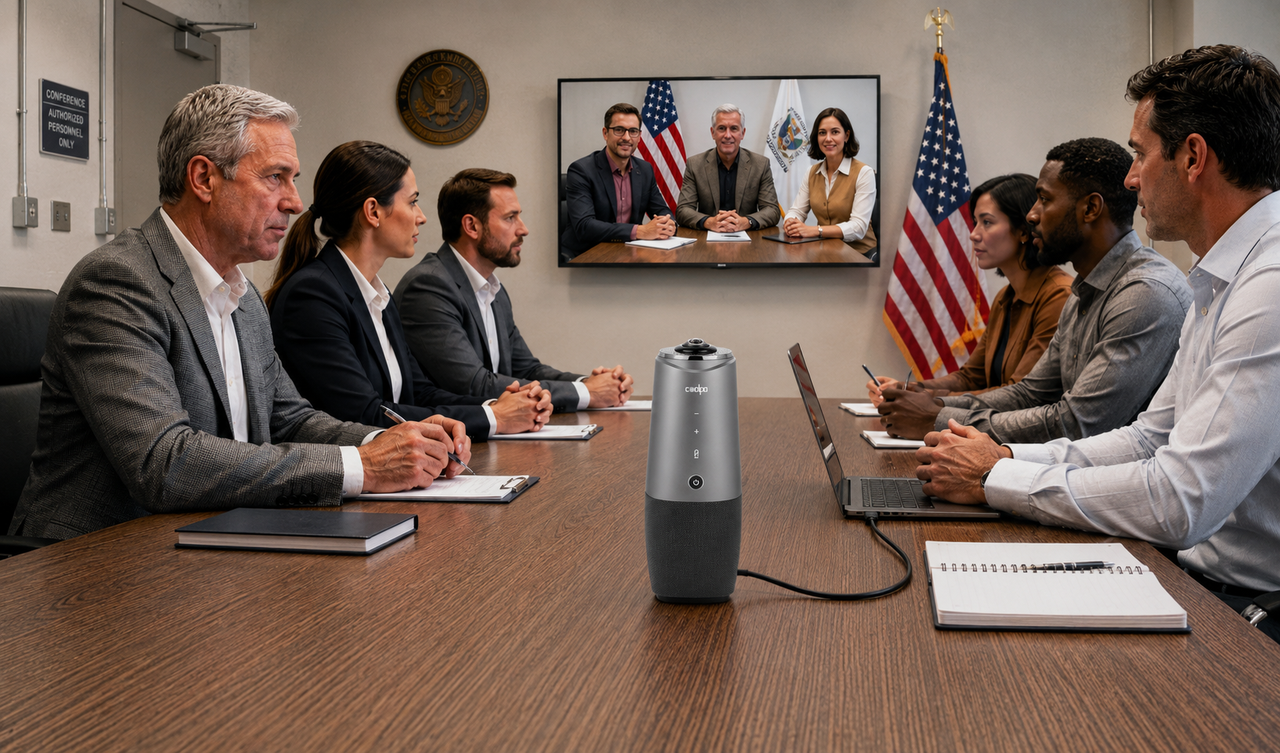
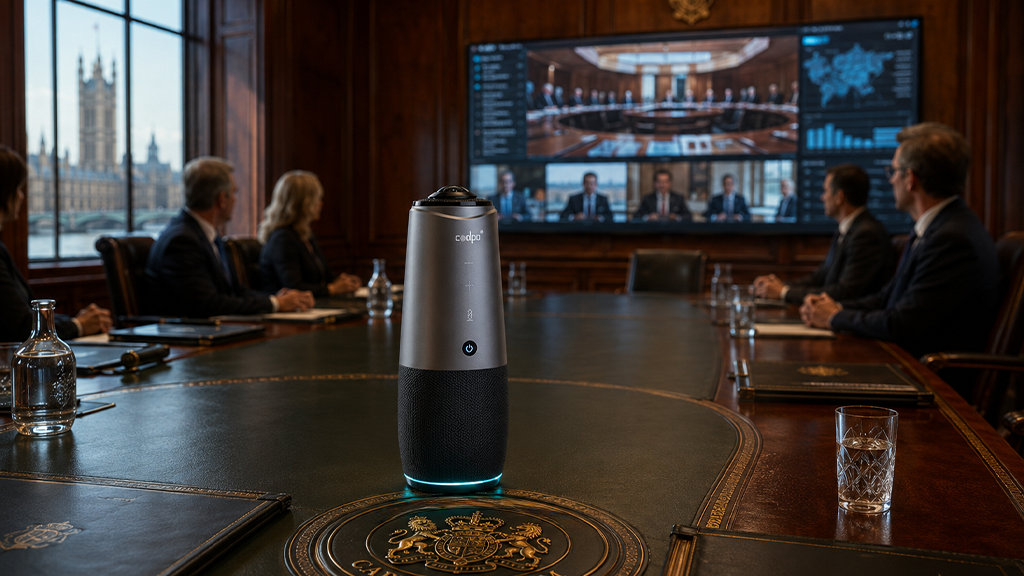
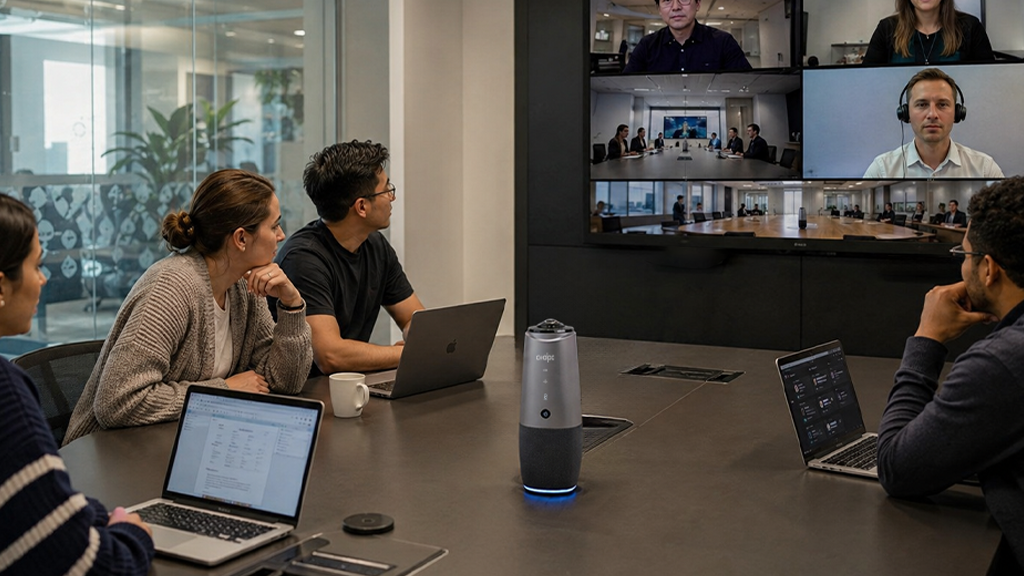
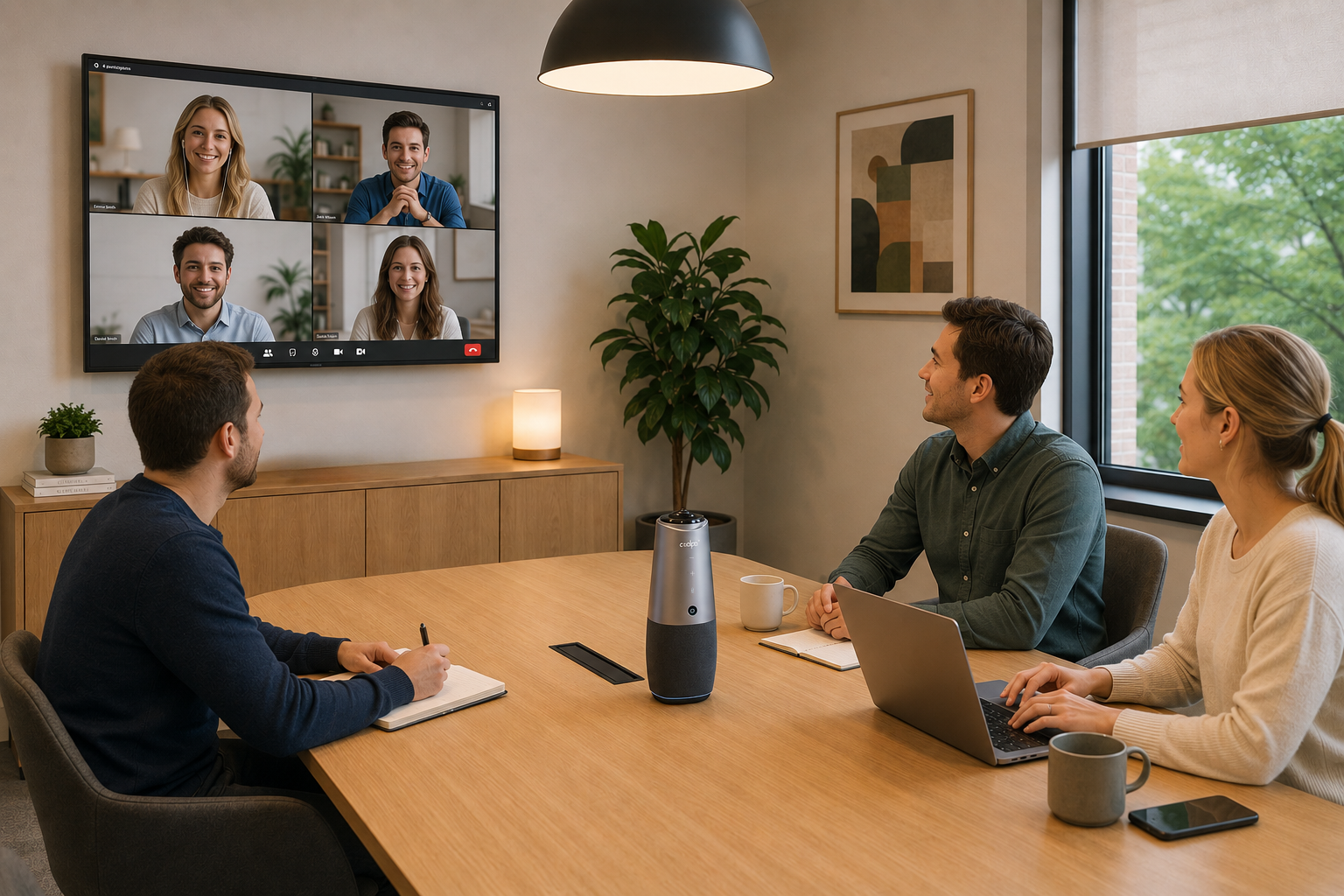
MacBook users hosting hybrid Zoom meetings with 3-15 participants. The Coolpo AI Pana is the best webcam for Zoom meetings on MacBook when you need to include multiple people in frame—whether colleagues huddled around your desk or a small team meeting in a huddle room.
Key features:
- 4K 360° panoramic video captures everyone equally
- 8 beamforming microphones with 15-foot pickup radius
- AI speaker tracking automatically frames active speakers
- USB plug-and-play with macOS (single cable)
- Active Speaker Tracking and Auto-framing
- Works with Zoom, Teams, Meet, Webex
Why it's the best for hybrid work:
Unlike traditional webcams limited to 78-90° FOV, the 360° coverage means you can position your MacBook anywhere and capture everyone at the table. The AI automatically switches between full-room view and speaker close-ups, giving remote participants natural visual flow. The integrated 8-mic array outperforms MacBook's microphones dramatically, especially for picking up voices across a table.
MacBook setup:
Connects via USB-A (adapter to USB-C included). macOS recognizes it instantly—no drivers needed. Place at table center, launch Zoom, select "Coolpo AI Pana" as camera and microphone. Done.
2. Logitech Brio 4K ($200-$250)
Best for:
MacBook users prioritizing maximum video quality for solo calls
Key features:
- 4K Ultra HD at 30fps or 1080p at 60fps
- 90° field of view with 5x digital zoom
- RightLight 3 with HDR for challenging lighting
- Dual omnidirectional microphones
- Privacy shutter
Why it's great:
The Brio delivers the best pure video quality in a traditional webcam form factor. 4K resolution provides exceptional clarity for professional presentations. RightLight 3 technology handles difficult lighting conditions that make MacBook's FaceTime camera look washed out or dark.
MacBook setup:
USB-C cable included. Clips onto MacBook display or sits on desk with included stand. macOS recognizes immediately. Select in Zoom's video settings.
Limitation:
90° FOV captures 1-2 people comfortably. Won't work for small group scenarios like the Coolpo AI Pana's 360° coverage.
Razer Kiyo Pro ($150-$200)
Best for:
MacBook users working in low-light conditions or home offices without great lighting
Key features:
- 1080p at 60fps with uncompressed video
- Adaptive light sensor for low-light environments
- Wide aperture f/2.0 lens
- 103° field of view
- Built-in noise-canceling microphone
Why it's great:
The Kiyo Pro's adaptive light sensor and wide aperture make it the best webcam for Zoom meetings in dimly lit home offices. While MacBook's FaceTime camera struggles in low light, producing grainy video, the Kiyo Pro maintains clear images.
MacBook setup:
USB-A connection (use USB-C adapter). Clip mount for MacBook display. Works immediately with macOS without additional software.
Limitation:
Audio quality decent but not exceptional. For important meetings, pair with AirPods or quality headset.
Logitech C920s HD Pro ($70-$90)
Best for:
Budget-conscious MacBook users wanting better quality than built-in camera
Key features:
- 1080p at 30fps
- 78° field of view
- Dual microphones
- Privacy shutter
- Trusted reliability
Why it's great:
The C920s is the best-value upgrade from MacBook's built-in camera. Not cutting-edge, but proven reliable across millions of users. Logitech's market research shows the C920 series has the highest satisfaction ratings in its price category.
MacBook setup:
USB-A with adapter to USB-C. Clips to MacBook display. Zero configuration needed.
Limitation:
78° FOV is narrow—captures 1 person well, 2 people squeezed in frame. Not suitable for group scenarios.
Anker PowerConf C300 ($130-$150)
Best for:
MacBook users wanting AI features at mid-range pricing
Key features:
- 1080p resolution
- AI-powered auto-framing follows you during calls
- Adjustable field of view (78°, 90°, 115°)
- Built-in noise-canceling microphones
- Privacy shutter
Why it's great:
The auto-framing feature keeps you centered in frame when you move around—useful for demonstrations or active presentations. Adjustable FOV handles different scenarios (solo vs small group).
MacBook setup:
USB-C native connection. Clips to MacBook or tripod mount. macOS compatible immediately.
Limitation:
AI framing works best with good lighting. Struggles in dim conditions compared to Razer Kiyo Pro.
Elgato Facecam ($170-$200)
Best for:
MacBook users who want manual control over video settings
Key features:
- 1080p at 60fps uncompressed
- Fixed focus lens (no autofocus hunting)
- Professional studio controls via software
- 82° field of view
- Built for streaming but excellent for Zoom
Why it's great:
Manual controls let you dial in exact exposure, white balance, and color settings. The fixed focus eliminates the autofocus hunting that plagues other webcams. Professional color science makes you look natural on camera.
MacBook setup:
USB-C connection. Download Camera Hub software for macOS to access advanced settings. Works in Zoom with or without software.
Limitation:
Requires learning curve to optimize settings. Not "plug and forget" like other options.
Frequently Asked Questions
- What's the best webcam for Zoom meetings on MacBook overall?
For most MacBook users, the Logitech Brio 4K ($200-$250) offers the best balance of video quality, reliability, and price for solo calls while the Coolpo AI Pana ($598.98) is the best webcam for hybrid Zoom meetings with its 360° coverage and professional 8-mic audio array.
- Will any USB webcam work with my MacBook without drivers?
Yes. macOS supports USB Video Class (UVC) and USB Audio Class (UAC) standards natively. Any webcam using these standards works plug-and-play with MacBook. No driver installation is needed.
- Why should I buy an external webcam when my MacBook has a built-in camera?
External webcams offer 1080p-4K resolution (vs 720p-1080p built-in), better low-light performance, flexible positioning, wider field of view for group scenarios, and superior audio. For professional Zoom meetings, the image quality difference is immediately noticeable.
- Do I need a USB-C webcam specifically or can I use USB-A with an adapter?
Both work fine. USB-C provides slightly better power delivery, but quality USB-A webcams with good adapters perform identically. The Coolpo AI Pana comes with adapters. Focus on webcam features rather than connector type.
- Can I use my external webcam for FaceTime and other Mac apps besides Zoom?
Yes. Any external webcam that works with Zoom works with FaceTime, Teams, Meet, Slack, Discord, and any app using macOS's camera system. Select the webcam in each app's video settings.
Summary
The best webcam for Zoom meetings on MacBook depends on your use case: solo callers benefit from the Logitech Brio 4K ($200-$250) or Razer Kiyo Pro ($150-$200) for superior image quality and low-light performance, while hybrid workers hosting small groups need the Coolpo AI Pana ($598.98) with 360° coverage and 8-mic audio array. All options deliver significantly better video quality than MacBook's built-in FaceTime camera and work plug-and-play with macOS without driver installation. Choose based on whether you primarily do solo calls or need to include multiple people in frame during Zoom meetings.
Recent blogs

.png)

Reliable
Innovation
Touch


