
Essential Gear for Meetings with In-Room and Remote Participants
- You need three core pieces: a conference camera (120°–360° FOV), a microphone with 10–20 ft pickup range, and a 40"+ display
- The Coolpo AI Pana ($598.98) combines a 4K 360° camera and an 8-mic array in one USB device, eliminating separate audio purchases
- Total setup cost for a small room (3–8 people) runs $900–$1,200
- All recommended equipment works universally with Zoom, Microsoft Teams, Google Meet, and Webex
- Proper gear reduces meeting tech troubleshooting time and raises remote participant engagement significantly
The essential equipment needed for a hybrid Zoom meeting comes down to three things: a wide-coverage camera, a long-range microphone system, and a display screen large enough to make remote participants feel present. Get all three working together and you eliminate the two-tier meeting problem where in-room participants dominate and remote attendees struggle to contribute.
Why Does Hybrid Meeting Equipment Matter So Much Right Now?
The shift to hybrid work has made proper meeting room equipment a business-critical investment, not an optional upgrade. 39% of knowledge workers now operate in hybrid arrangements, according to Gartner's workplace research — meaning most conference rooms are used daily for hybrid calls rather than occasionally.
The cost of inadequate gear is measurable. 43% of remote participants report feeling excluded from hybrid meetings due to poor camera coverage and muffled audio, per Microsoft's Work Trend Index. That exclusion directly reduces participation quality and decision-making effectiveness.
Equipment failures compound the problem. A Robert Half Technology survey of 300 U.S. professionals found the average worker wastes 22 minutes per day dealing with IT-related issues — adding up to 91 hours a year, or more than two full work weeks.
The solution does not require enterprise-level spending. The right gear for a room hosting 3–15 participants costs $900–$1,200 and focuses entirely on three fundamentals: visibility, audibility, and presence.
What Camera Equipment Do You Need for a Hybrid Meeting Room?
The camera is the most critical piece of equipment in any hybrid meeting setup. Its job is to capture every in-room attendee equally — not just whoever sits closest to a laptop.
Why standard webcams fail hybrid meetings:
A typical laptop webcam covers a 78° field of view. That captures one or two people directly in front of it. Everyone else either leans awkwardly into frame or disappears entirely from the remote view. Remote participants who are clearly visible and engaged on camera are nearly twice as likely to stay connected to their teams. A Harvard Business Review analysis of 40 million meetings across 450,000 employees found that engaged employees enabled their cameras in 32.5% of small group meetings — compared to just 18.4% among those who eventually disengaged and left their organizations. Visibility in meetings isn't just a preference. It's a measurable driver of participation and connection
Minimum camera specifications for hybrid rooms:
- Field of view: 120° minimum for small rooms, 360° for medium and large rooms
- Resolution: 1080p minimum, 4K preferred for 6+ person rooms
- AI features: Speaker tracking and auto-framing for conversational context
- Connectivity: USB plug-and-play for platform compatibility
Why the Coolpo AI Pana Solves the Camera Problem
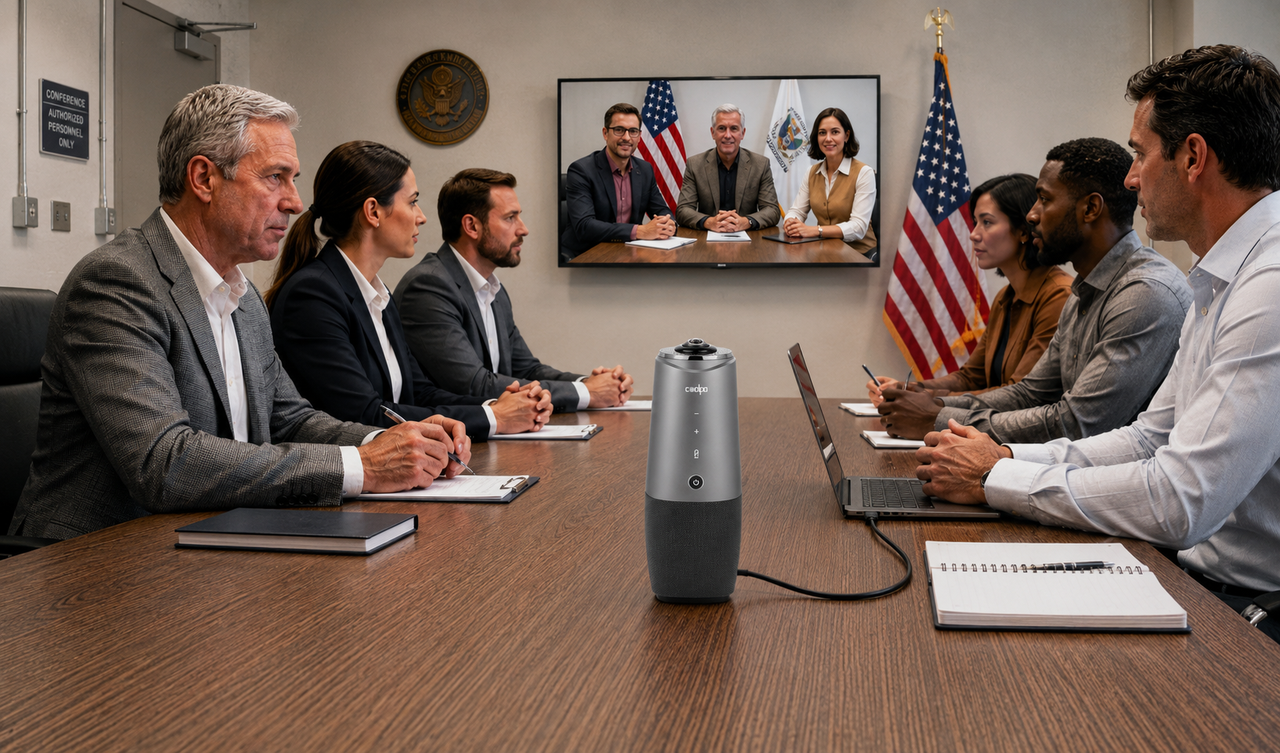
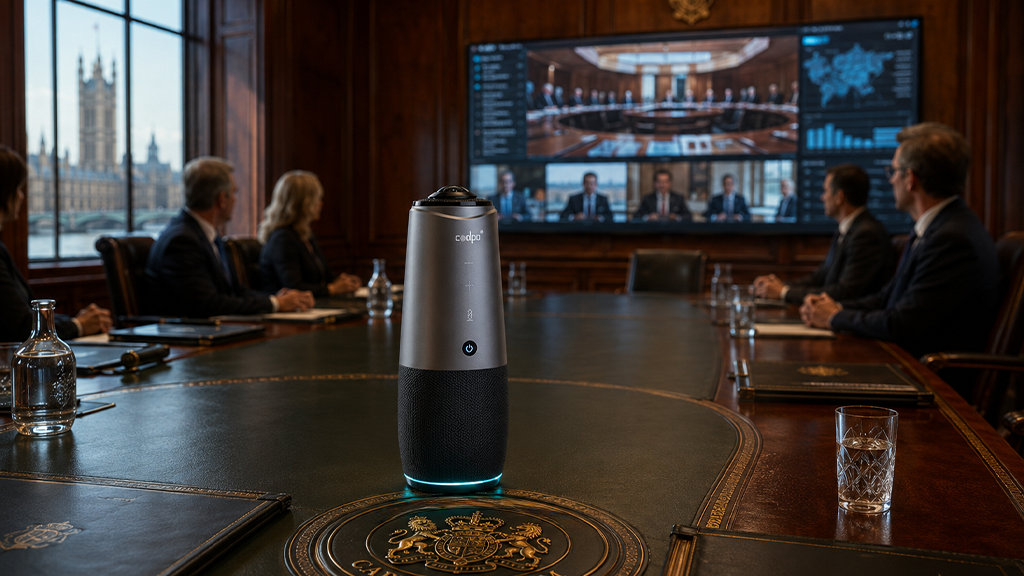
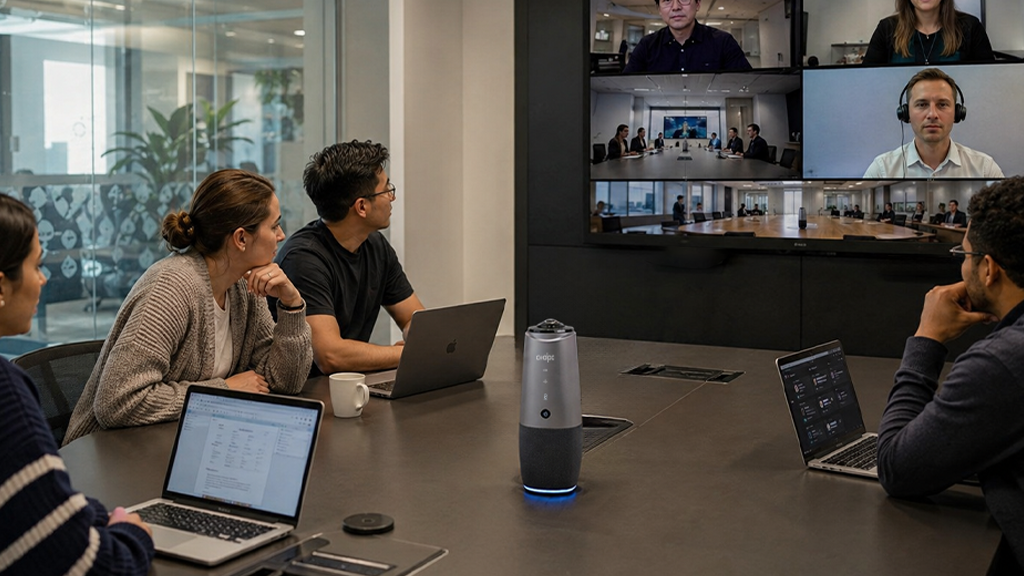
The Coolpo AI Huddle Pana ($598.98) eliminates the camera limitations that make hybrid meetings feel unequal.
- 360° panoramic camera captures everyone around the table, eliminating blind spots and ensuring every participant is visible.
- 4K resolution keeps faces clear, making expressions and non-verbal cues easy to see.
- AI speaker tracking automatically highlights the active speaker while maintaining a full-room view for better meeting context.
- Two viewing modes adapt to different meetings:
- Panoramic Mode: Displays all participants equally for group discussions.
- Division Mode: Focuses on active speakers automatically.
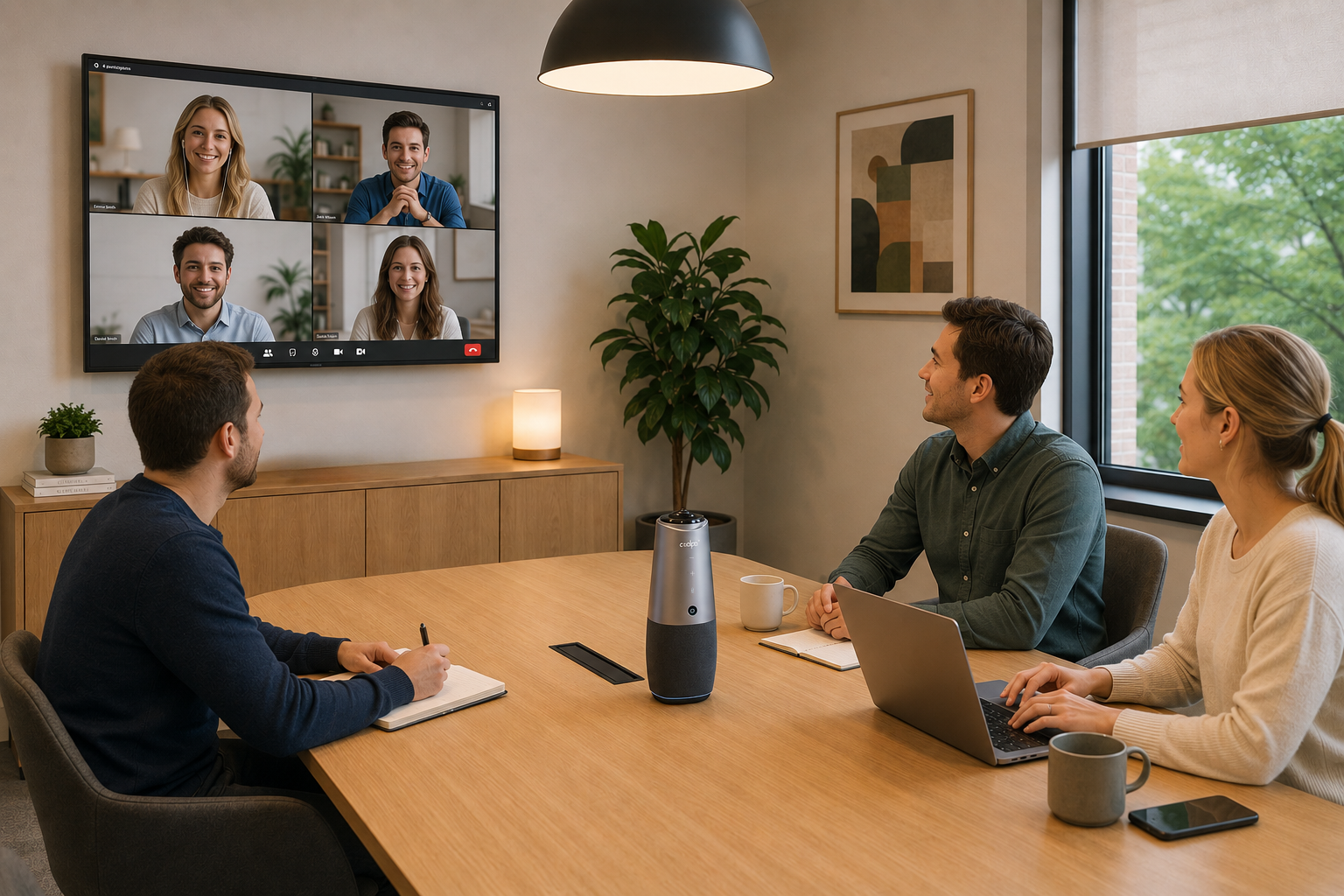
- Quick setup: Place it at the center of the table, connect via USB-C, and select it in Zoom, Microsoft Teams, or Google Meet. No wall mounting, drivers, or IT setup required.
What Audio Equipment Is Essential for Hybrid Zoom Meetings?
Poor audio ends hybrid meeting effectiveness faster than poor video. Remote participants tolerate grainy video but mentally disengage the moment they cannot hear a voice clearly.
Why laptop microphones are insufficient:
Laptop microphones are engineered for a single speaker seated 18–24 inches away. At 6 feet, voice quality degrades noticeably. At 10 feet — the far end of a standard conference table — voices become muffled and difficult to understand. And the consequences go beyond frustration. IDC's 2024 Future of Work Survey found that bad audio in hybrid meetings directly impacts outcomes, with research showing audio quality is correlated to how trustworthy speakers are perceived to be. Poor sound doesn't just make meetings harder to follow — it quietly undermines the credibility of everyone in the room. (Source: IDC WW Future of Work Survey, 2024)
Minimum audio specifications for hybrid rooms:
- Microphone pickup range: 10–20 feet to cover the furthest seat
- Echo cancellation: prevents feedback loops during full-duplex conversation
- Noise suppression: filters HVAC, keyboard noise, and ambient room sound
- Speaker quality: clear playback so in-room attendees hear remote participants at natural volume
What Display Screen Do You Need for a Hybrid Meeting Room?
The display screen is the final piece of essential hybrid meeting equipment. Its purpose is to make remote participants visible at a size that commands equal attention from in-room attendees — not as small tiles on a 13" laptop.
Why display size directly affects meeting equity:
When remote participants appear as small faces on a laptop screen, in-room attendees unconsciously treat them as secondary. A properly sized display makes remote attendees impossible to ignore and enables in-room participants to read facial expressions and reactions naturally.
Display sizing by room capacity:
Consumer televisions work in light-use scenarios but typically lack the panel brightness and duty-cycle ratings required for daily meeting use. Commercial displays cost 20–40% more but last two to three times longer under continuous use conditions.
How Do the Top Hybrid Meeting Cameras Compare?
The Coolpo AI Pana delivers the best price-to-specification ratio in this category — matching Meeting Owl 4's 360° coverage at $200 less while adding 4K resolution that the Owl 4 lacks. The Logitech Rally Bar Mini costs more than double the Coolpo AI Pana but is limited to a 120° field of view, creating visibility gaps in rooms with more than 5–6 participants.
How Do You Set Up Essential Hybrid Meeting Equipment Correctly?
Equipment placement:
- Position the Coolpo AI Pana at the center of the conference table for equal 360° coverage
- Mount the display at eye level, visible to all in-room seats without requiring participants to turn away from the table
- Ensure no participant sits beyond 15 feet from the microphone array
- Position the display adjacent to the camera to minimize the angle gap between where participants look and where the camera is
Technical configuration:
- Connect the camera via USB and confirm it appears as a selectable device in Zoom or Teams settings
- Select the conference room audio device explicitly — do not leave it defaulted to laptop microphone or speakers
- Connect the display via HDMI and configure it to show the video call full-screen rather than a mirrored desktop
- Complete a test call with a remote participant before the first live meeting to confirm audio levels and camera framing
Room environment:
- Arrange seating so participants face the camera rather than sitting perpendicular to it
- Eliminate bright windows or light sources directly behind seated participants (backlighting degrades camera performance)
- Close HVAC vents or schedule meetings when HVAC cycles are low if the system produces significant ambient noise
- Post a one-page quick-reference guide in the room so any participant can troubleshoot basic issues without IT support
During meetings:
- Use a single room-level Zoom or Teams connection rather than individual laptop connections from in-room participants
- Mute personal laptops for anyone in the room to prevent audio echo
- Pin or spotlight remote participants on the display so their video fills the screen
- Designate one in-room participant to monitor the remote view and flag when audio or video issues arise
Conclusion
Essential gear for meetings with in-room and remote participants requires three core pieces: a camera that captures all in-room attendees equally (360° or 120–180° depending on seating), professional audio with 10–20 foot microphone pickup range and echo cancellation, and a display screen (minimum 40") making remote participants visible and present. The Coolpo AI Pana ($598.98) integrates 4K 360° camera and 8-microphone audio as combined equipment, eliminating separate purchases while delivering professional results. Start with essentials ($900–$1,200 for small rooms) before investing in wireless presentation, smart lighting, or room automation—which enhance but aren't required for functional collaboration.
1. What is the minimum equipment needed for a hybrid Zoom meeting?
The minimum viable setup requires three components: a conference camera with at least a 120° field of view, a microphone system with a 10–20 foot pickup range, and a display screen of at least 40". For rooms with 3–8 participants, the Coolpo AI Pana ($598.98) handles both camera and audio in one USB device. Add a commercial-grade 40"–55" display ($300–$600) and you have a fully functional hybrid meeting room for $900–$1,200. This combination eliminates the most common hybrid meeting failure points: poor camera coverage, inaudible voices, and remote participants appearing too small on screen.
2. Can I use a laptop webcam and built-in microphone for a hybrid meeting?
For one or two in-room participants seated directly in front of the laptop, a webcam and built-in microphone can function adequately. For three or more in-room participants, they are insufficient. Laptop webcams cover 78°–90°, which means participants seated at the sides or far end of a table are either cut off or invisible to remote attendees. Built-in laptop microphones degrade significantly beyond 4 feet. Dedicated conference equipment becomes essential — not optional — the moment a third in-room person joins the table.
3. Does the Coolpo AI Pana work with Microsoft Teams and Google Meet, or only Zoom?
The Coolpo AI Pana works with all major video conferencing platforms including Zoom, Microsoft Teams, Google Meet, Webex, and any platform that accepts a standard USB camera and audio device. It uses universal USB plug-and-play protocols and does not require proprietary drivers or software. The device is certified for Zoom and Microsoft Teams specifically, meaning it has been tested and verified to meet each platform's hardware compatibility requirements. You can switch between platforms without reconfiguring any hardware settings.
4. How many people can the Coolpo AI Pana cover effectively?
The Coolpo AI Pana is rated for rooms with up to 15 participants. Its 360° panoramic lens captures all seating positions simultaneously regardless of table size or shape. The 8-element beamforming microphone array provides a 15-foot pickup radius, which covers a standard 12-person conference table end to end. For rooms with more than 15 participants or unusually large table dimensions exceeding 15 feet from the device center, supplemental microphone equipment such as a ceiling mic array may be needed for full audio coverage.
5. What is the difference between a consumer TV and a commercial display for a meeting room?
Consumer televisions are designed for 4–6 hours of daily use in home environments. A conference room display running back-to-back meetings operates 8–12 hours per day. Commercial-grade displays are built with higher-brightness panels (400–700 nits versus 200–300 nits for consumer TVs), extended duty-cycle ratings, and better heat dissipation. They also include mounting options and input configurations suited for meeting room AV setups. Commercial displays typically cost 20–40% more upfront but last two to three times longer under daily meeting use, making them more cost-effective over a three-to-five year horizon.
5. Why do remote participants feel excluded in hybrid meetings even when equipment is present?
Equipment presence alone does not prevent exclusion — equipment configuration does. The most common causes of remote participant exclusion even when gear exists are: a webcam positioned to capture only part of the table, microphone pickup range that does not reach all in-room speakers, a display screen too small to make remote faces visible at human scale, and in-room participants each joining the call individually on laptops rather than using a single room-level connection (which creates audio echo and inconsistent video). Fixing all four configuration issues — not just purchasing equipment — is what creates an equitable hybrid meeting experience.
Recent blogs

.png)

Reliable
Innovation
Touch


