
What should I consider when choosing Smart 360-degree Video Conference Cameras?
The right smart video conference camera balances clear video (1080p–4K), true 360° coverage, AI features like speaker tracking and auto-framing, strong 360° audio, and easy plug-and-play setup — all matched to your room size and existing meeting platforms.
When choosing a smart 360-degree video conference camera, you need to weigh nine factors: video quality, true 360° coverage, AI features, audio quality, room size compatibility, platform compatibility, lighting performance, installation flexibility, and scalability. You're not just picking a camera , you're selecting an AI-powered meeting system that affects how people see, hear, and engage in hybrid meetings.
Here's the breakdown of these key factors:
1. Video quality (Resolution + Clarity)
Look for at least 1080p Full HD, but ideally 4K if you want sharper detail, especially for larger rooms or screen sharing.
- 1080p = good for small to medium rooms
- 4K = better facial detail, presentations, and zoom clarity
- Also check frame rate (30fps or higher) for smoother motion
Why it matters: blurry video reduces engagement and makes remote participants feel "left out."
For a closer look at nailing this specifically, see How to Get HD Video Quality for Group Video Calls.
2. True 360° coverage vs partial view
Not all “360 cameras” are equal.
- True 360° cameras capture the entire room in all directions
- 180° panoramic cameras only capture one side of the table
- Some are better for round tables, others for front-facing meetings
Choose based on your room layout and seating style.
3. AI features (this is what makes it “smart”)
Modern conference cameras rely heavily on AI.
Key features to look for:
- Speaker tracking (focuses on whoever is talking)
- Auto-framing (adjusts view automatically)
- Multi-speaker detection
- Face or zone cropping (dynamic view switching)
These features help make remote meetings feel more natural and less static
4. Audio quality (VERY important for 360 cameras)
Many users focus on video—but audio is often more critical.
Look for:
- 360° omnidirectional microphones
- Noise cancellation
- Echo reduction
- Strong pickup range (so everyone is heard clearly)
Bad audio ruins meetings faster than bad video.
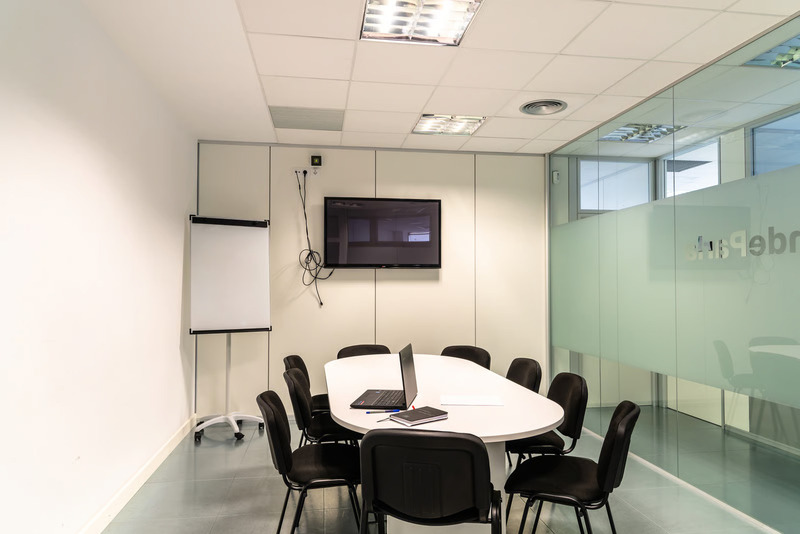
5. Room size compatibility
.png)
Match the camera to your space:
- Small huddle rooms → wide-angle or compact 360 cameras
- Medium rooms → AI tracking + stronger mic array
- Large rooms → multiple mics or extended audio pickup systems
A mismatch here leads to poor framing or weak audio coverage.
6. Compatibility with platforms
Make sure it works seamlessly with:
- Zoom
- Microsoft Teams
- Google Meet
Also check:
- Plug-and-play USB setup
- Non-Wifi connection to avoid quality issue and possible cyber attack.
- Driver-free installation (for easier deployment)
7. Lighting performance
Even a good camera fails in poor lighting.
Check for:
- Low-light optimization
- Auto-exposure
- HDR support
This is especially important in meeting rooms with mixed lighting conditions.
8. Installation and flexibility
Ask:
- Is it portable or fixed mount?
- Does it need a laptop or run standalone?
- Can it be moved between rooms easily?
This matters for hybrid offices or shared meeting spaces.
9. Scalability & future use
Think long-term:
- Can it handle bigger meetings later?
- Can it integrate with additional microphones or displays?
- Does it support firmware updates and AI upgrades?
For a broader comparison of all-in-one systems that cover most of these factors out of the box, see Are There All-in-One Camera and Microphone Solutions Suitable for Conference Rooms?
The Right 360-degree Video Conference Camera
The best smart 360° video conference camera is usually one that combines clear video, full-room audio, and AI automation in a simple, plug-and-play setup.
In general, look for:
- 1080p–4K video, 360° video and voice pickup,
- AI features like active speaker tracking and auto-framing
- Easy to set up (plug-and-play, preferably USB-based),
- Compatible with major platforms like Zoom and Microsoft Teams,
- Optimized for small to medium meeting rooms.
- Stable non-WiFi connection options, and,
- Adaptive lighting, table-top installation, and scalability
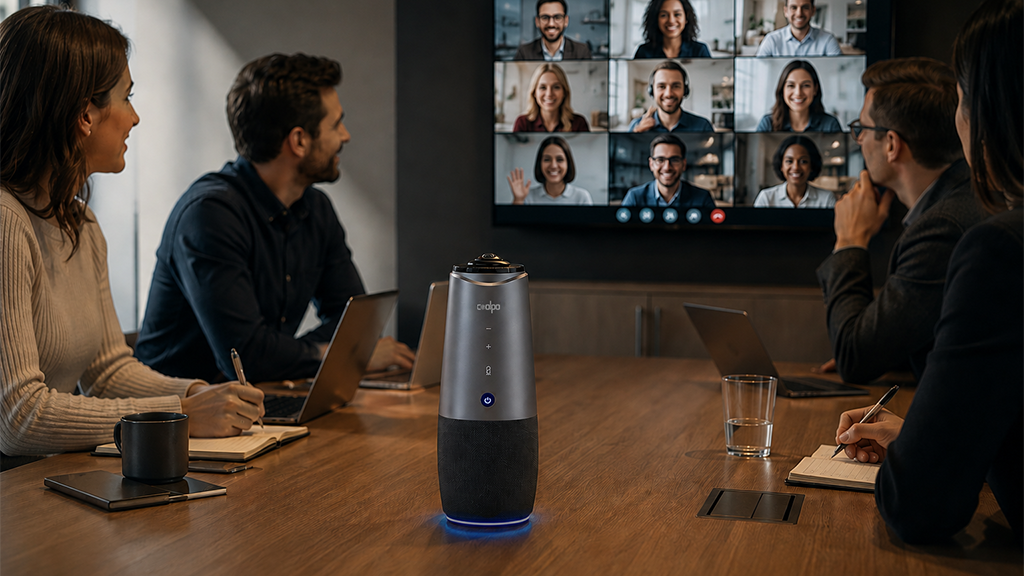
In this category, device like the Coolpo AI Huddle Pana has allt hese features integrated into one device as an all-in-one room coverage with a simple setup designed for quick deployment in typical meeting spaces.
Conclusion
Choosing the right smart video conference camera comes down to balancing clear video, full-room audio, AI features like speaker tracking, and easy plug-and-play setup — all matched to your room size and existing meeting platforms. Devices like the Coolpo AI Huddle Pana follow this all-in-one approach, combining these core features into a simple setup for everyday hybrid meetings.
1. Do I need a 4K camera, or is 1080p enough?
1080p is enough for small to medium rooms, but 4K is worth it for larger rooms, presentations, or when remote participants need to read facial expressions clearly.
2. What's the difference between a true 360° camera and a 180° panoramic camera?
A true 360° camera captures the entire room in every direction, which suits round tables, while a 180° camera only covers one side — better for front-facing meeting setups.
3. Why would a conference camera avoid WiFi and use a wired connection instead?
A wired or non-WiFi connection reduces interference that can degrade video quality and lowers the camera's exposure to network-based security risks.
4. How much should a smart video conference camera cost?
Compact all-in-one 360° cameras typically start under $600, while enterprise-grade video bars with extended AI features can run several thousand dollars depending on room size and features.
Recent blogs



.jpg)

Reliable
Innovation
Touch


