
Which Conference Room Camera Do I Need? (By Room Size)
The right conference room camera depends mostly on your room size. Small rooms (up to 10 ft): a wide-angle 1080p all-in-one. Medium rooms (10–20 ft): 4K with a 120–150° field of view and auto-framing. Large rooms (20+ ft): a 360° panoramic or PTZ 4K camera with a long-range mic array. Match the field of view and microphone pickup to your room and you've solved 90% of the decision.
Choosing the right conference room camera isn't about buying the most expensive model—it's about matching the camera to your meeting space. The size of your room affects everything from field of view and microphone pickup to video quality and participant visibility. This guide explains how to choose the right conference room camera based on room size, the technical specifications that matter most, and which type of camera works best for your setup.
First, answer these 3 questions before you buy
Before comparing cameras, nail down:
Room size & seating distance — how far is the farthest person from the screen? This drives field-of-view and mic-pickup range more than anything else.
How people sit — fixed seats around a table (a wide fixed lens works) vs. people moving around or a U-shape (you want auto-tracking / PTZ).
Which platform you run — Zoom, Microsoft Teams, or Google Meet. Choose a USB plug-and-play camera and it works across all three. (New to setup? See [connecting a conference room camera to Zoom → /post/how-to-set-up-a-conference-room-camera-for-zoom].)
How does room size affect the camera you need?
Room size is the single biggest factor. Too narrow a lens in a big room leaves people out of frame; too wide a lens in a small room distorts faces and makes everyone look far away.
Here's the quick decision table:
For rooms that mix in-office and remote staff, the field-of-view rules shift slightly. Learn how to right one.
What Technical Specifications Should a Conference Room Camera Meet?
Video quality & coverage
- Resolution: 1080p at 30fps is the floor; choose 4K for medium/large rooms so remote viewers can crop in without losing detail.
- Field of view: match it to the table (see the table above). Wider isn't always better — it's about coverage without distortion.
- Framing: auto-framing (digital) keeps everyone centered; PTZ (physical pan-tilt-zoom) or speaker-tracking suits dynamic rooms.
- Low latency: aim for under ~100ms so audio and video stay in sync.
Audio capabilities
Audio is where cheap setups fail. Look for a beamforming microphone array, echo cancellation, and noise suppression, with mic pickup rated for your room's depth (15–20 ft for large rooms). For rooms bigger than the mic's range, add an expansion speakerphone rather than upgrading the whole camera.
Struggling with audio in a your meeting space? Here's a good read for an affordable options for your businesses.
Platform Compatibility
Pick USB plug-and-play. It works with Zoom, Teams, and Google Meet with no drivers, so you're not locked to one ecosystem. Confirm any "certified for Teams/Zoom" badges only if your IT team requires them.
What Is the Best Conference Room Camera for Most Offices?
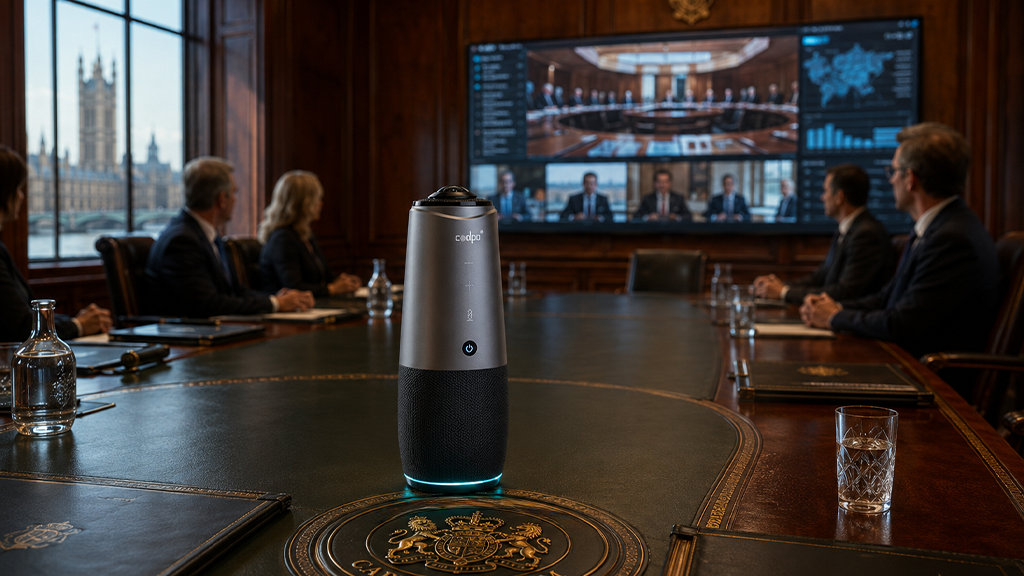
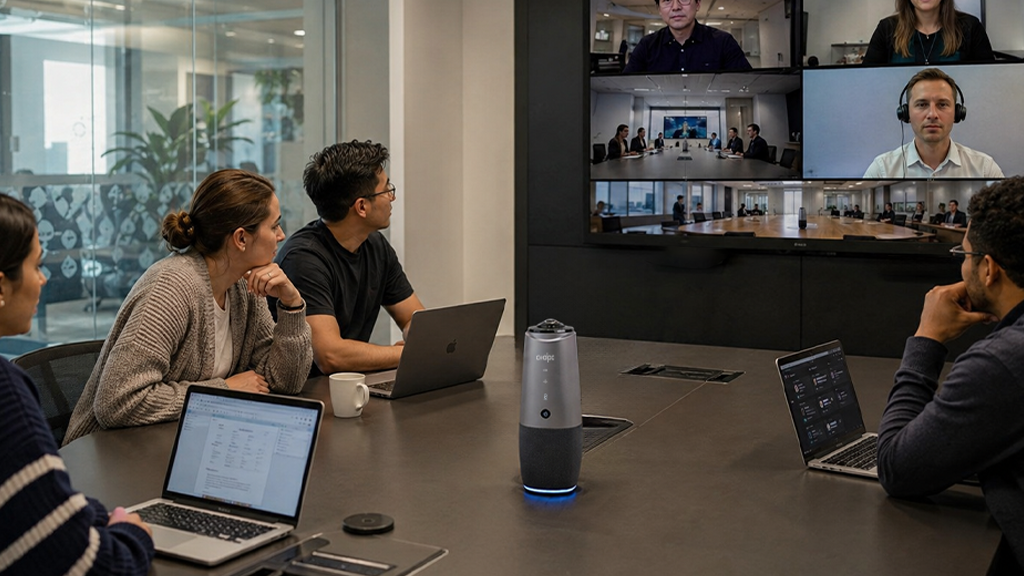
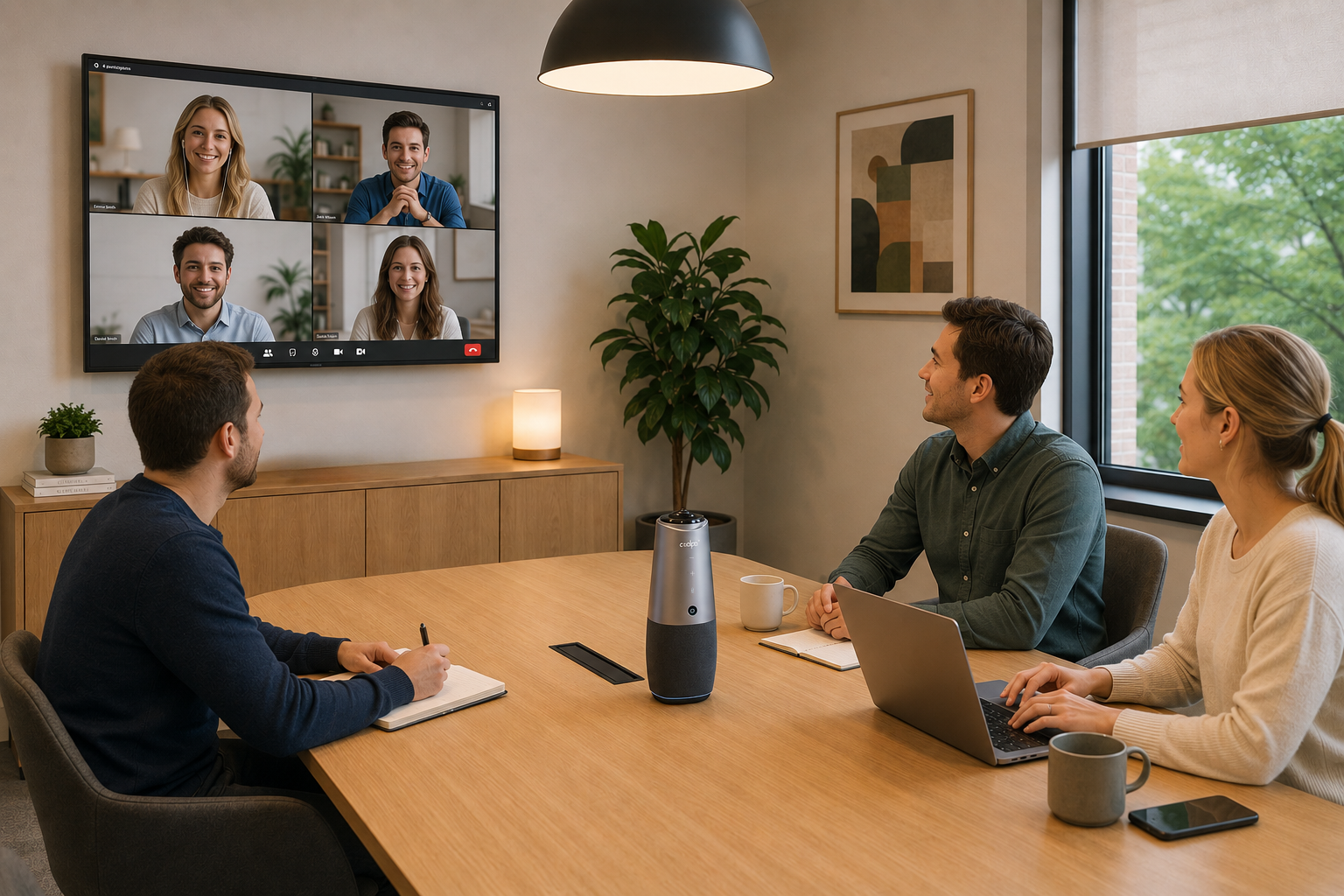
For medium-sized conference rooms (10–20 ft) with 4–8 participants seated around a central table, the Coolpo AI Pana is a top-rated option. It combines 360° coverage, AI-powered speaker tracking, and simple single-cable setup.
Key Specs:
- Resolution: 4K
- Field of View: 360° panoramic
- Audio: 8-microphone array with 15-ft pickup radius
- AI Features: Auto-tracking, active speaker framing
- Connectivity: USB plug-and-play
- Price: $598.98
The 360° lens eliminates blind spots, and the dual positioning system switches between group view and individual speaker framing automatically — no manual adjustment needed.
Summary
Choosing the right conference room camera starts with your room size and how many people regularly attend your meetings. Small rooms work well with wide-angle 1080p cameras, medium rooms benefit from AI-powered framing and 360° coverage, and large rooms require PTZ or 4K ultra-wide solutions to keep every participant visible and clear. Beyond video, prioritize audio pickup that reaches your furthest seated participant, reliable echo cancellation, and USB plug-and-play connectivity for simple, driver-free setup. Align your investment with your current room size and expected team growth to ensure consistent meeting performance long-term.
1. What is a conference room camera?
A conference room camera is a video conferencing device designed to capture meeting participants in a shared space, enabling remote collaboration through platforms like Zoom, Microsoft Teams, and Google Meet.
2. What resolution do I need for a conference room camera?
1080p at 30fps is the minimum for most standard meetings. For larger rooms where facial detail matters at a distance, 4K resolution is recommended.
3. How do I know if a conference room camera will work with my video platform?
Look for USB plug-and-play cameras, which are universally compatible with most platforms without additional drivers. If you use a specific platform exclusively, look for Zoom Certified or Microsoft Teams Certified designations for optimized performance.
4. Do conference room cameras have built-in microphones?
Most do. Quality conference room cameras include beamforming microphone arrays that reduce background noise and focus on active speakers. For rooms larger than 15–20 feet, external or ceiling-mounted microphone arrays are recommended to ensure full audio coverage.
5. How much should I spend on a conference room camera?
Budget cameras start around $100–$200 and cover small rooms adequately. Mid-range options like the Coolpo AI Pana ($598.98) offer 4K, 360° coverage, and AI tracking suited for medium rooms.
Recent blogs
.png)


What Device and Camera Features Can Enhance Camera Performance on Laptops?

Reliable
Innovation
Touch


